Scripted, not hand-placed
Random placement would look fake. The script instead derives every building from the same rules, so the result is consistent.
Capability demo
This is not a video. The scene was modeled in Blender, exported to glTF, and is rendering in your browser right now. Drag it.
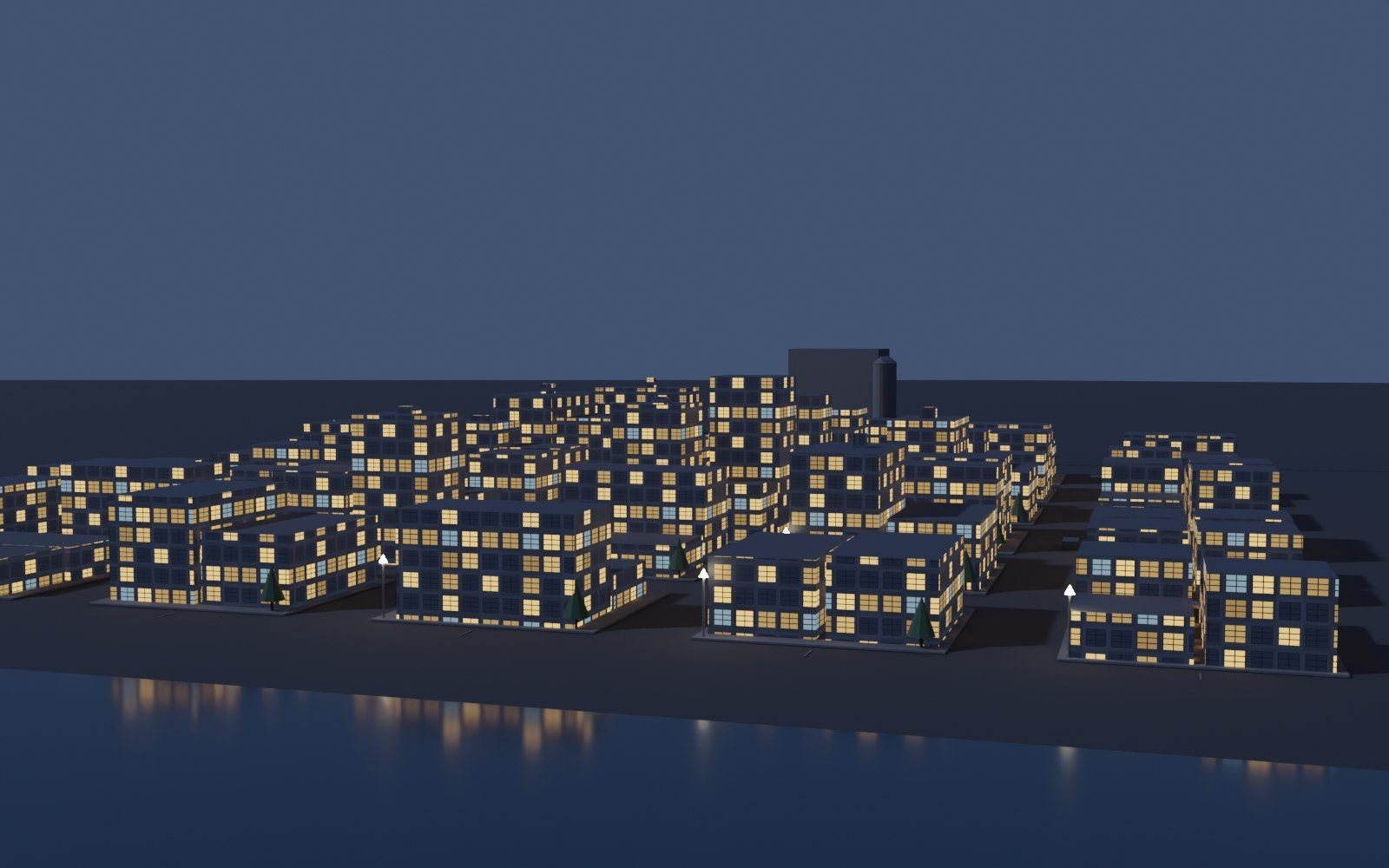
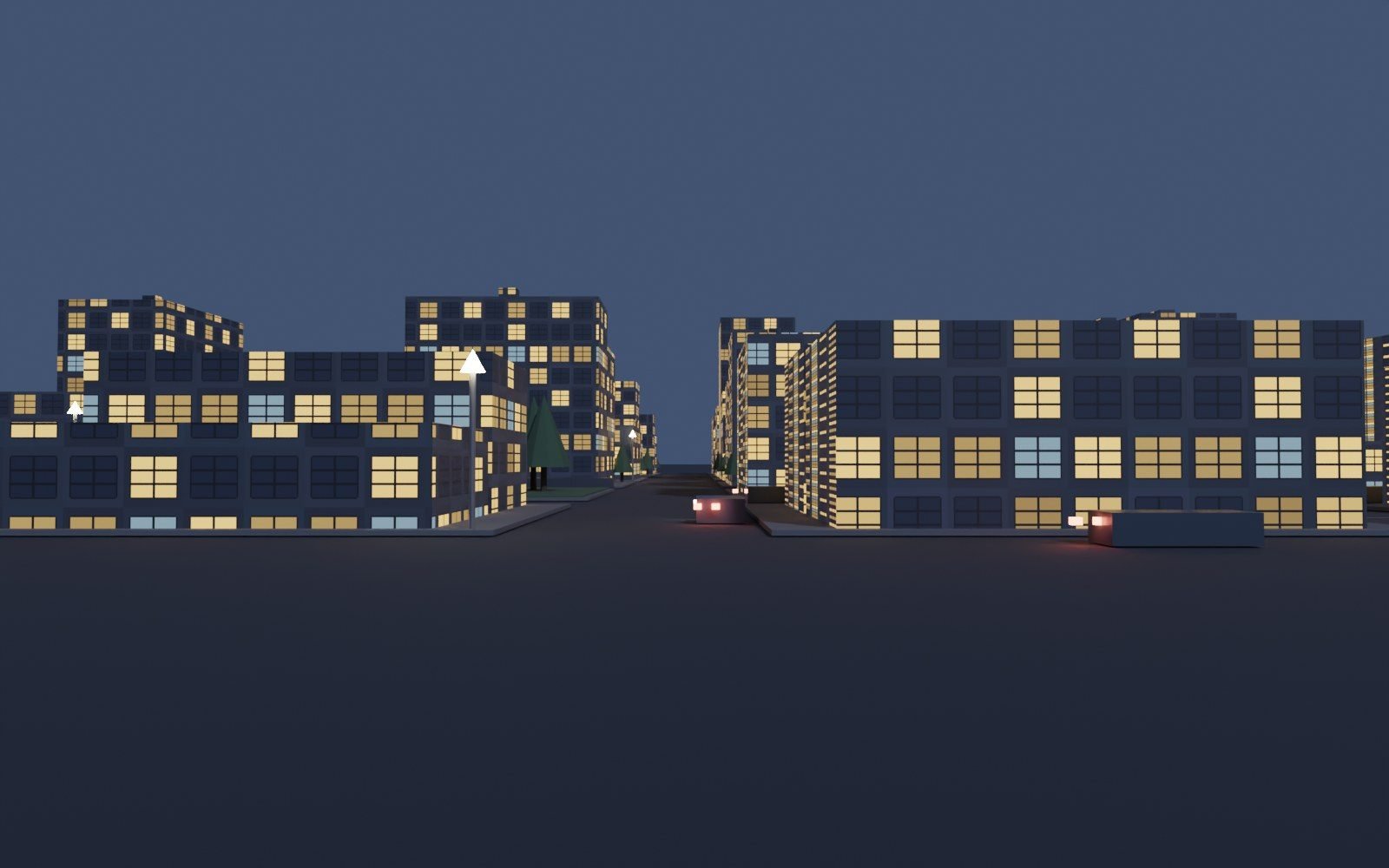
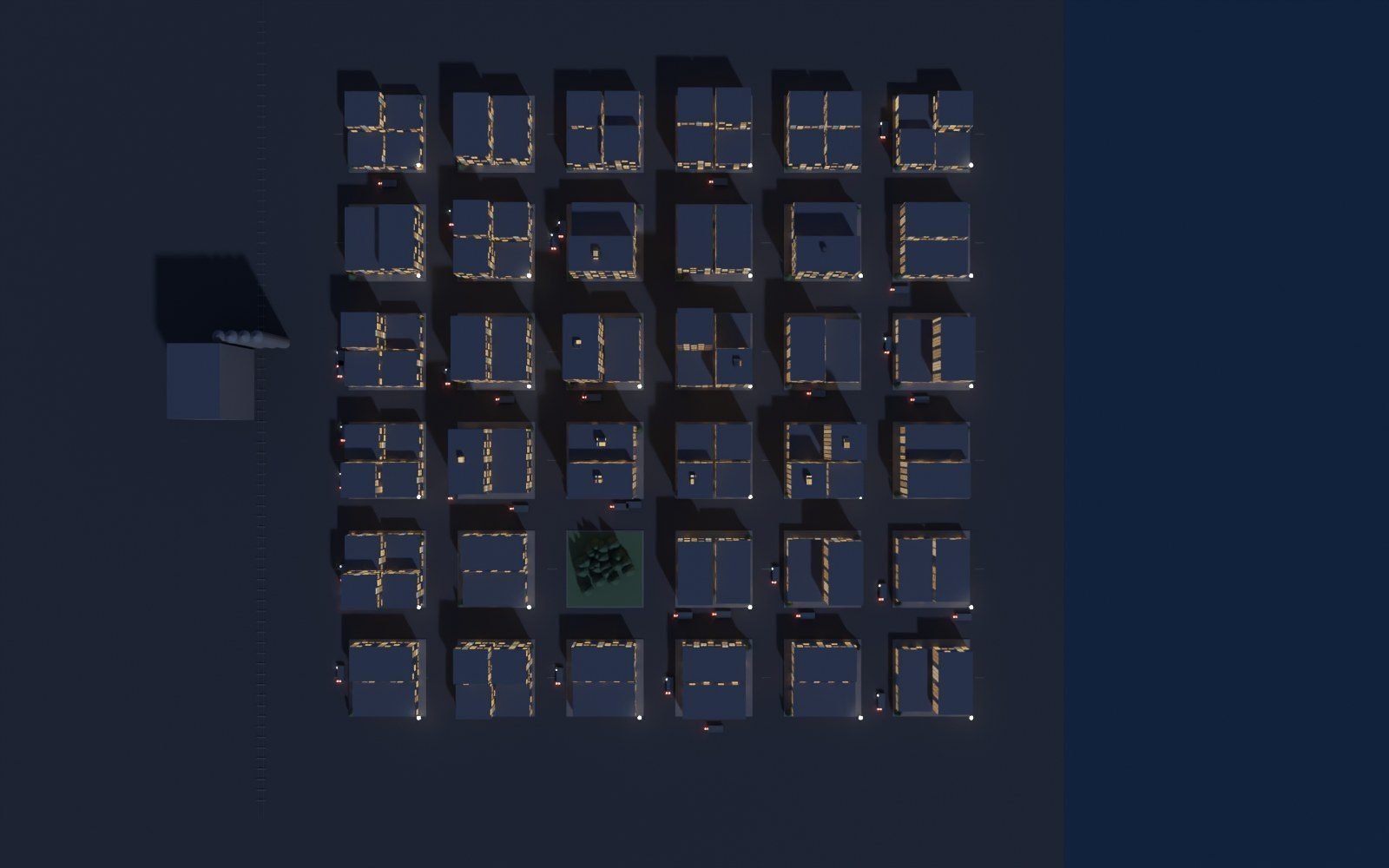
A small Central Washington town: a grid downtown, a lake on the east side, a rail line with a grain elevator on the west, and a park in the middle. Every window is lit individually in the texture. It is a real model, not a picture of one.
The same scene, rendered on a CPU-only Linux box with Cycles. No GPU, no render farm. Each frame took about two minutes.
The pipeline is the same one we would use for a product viewer, a configurator, or a location explainer. The city is just a small sample of it.
Geometry is generated from a script, so the town is reproducible and can be re-tuned. Buildings, roads, the rail spur, the elevator, trees, cars, and street lights are all real geometry.
Random placement would look fake. The script instead derives every building from the same rules, so the result is consistent.
One file, one draw call per material group. Emissive window materials carry over, so the lights still glow in a browser engine.
The browser loads the model, lights it, and lets the visitor orbit. No video, no image sequence, no pre-baked turntable.
Model complexity, texture resolution, and frame rate are set against a target phone, not a workstation. Where a 3D scene is the wrong call for a small business site, we say so and quote the static build instead.
Most small business sites should stay flat. These are the cases where interactive 3D does work that a photo or a paragraph cannot.
Color, size, and option choices that change what the customer is looking at. A furniture maker, a sign shop, or a fabricator sees the change before they order.
A facility, a farm, a piece of equipment, or a route. When a flat photo leaves the customer guessing, a model they can turn answers the question.
Interactive parts breakdowns for a repair shop, a dealer, or a vocational program. Far more useful than a PDF that scrolls.
When the product is the technology itself, a live 3D experience is the portfolio piece. That is what this page is.
A working demonstration of 3D web capability. The town was modeled in Blender, exported to glTF, and is rendered live with Three.js in your browser. Nothing on it is a video or a pre-baked image.
No. Most small business sites do not need 3D and should not pay for it. It is worth it when a product is hard to show in a flat photo, when a location or process needs to be explained spatially, or when the demo is the point of the page. Otherwise a fast static site that ranks and converts is the better investment.
A scoped 3D viewer or configurator on a normal site budget runs a few weeks and is quoted as its own line item, separate from the site build. You get a fixed price and a fixed launch date after the discovery call.
That is the first constraint on every build. Models get compressed and decimated, the scene is budgeted against a target device, and a static fallback always ships so the page still reads and converts when WebGL is unavailable or the connection is slow.
Send us the photos and the product. We will tell you whether 3D is worth it, and what it costs.